Travel time, parking, walking in
Plans work backward from when you need to arrive, not forward from when you panic.
 Practicalendar
 plans the get-ready steps before your calendar events. Dinner at 7:30 means you start getting ready at 6:45.
Coming soon to the App Store
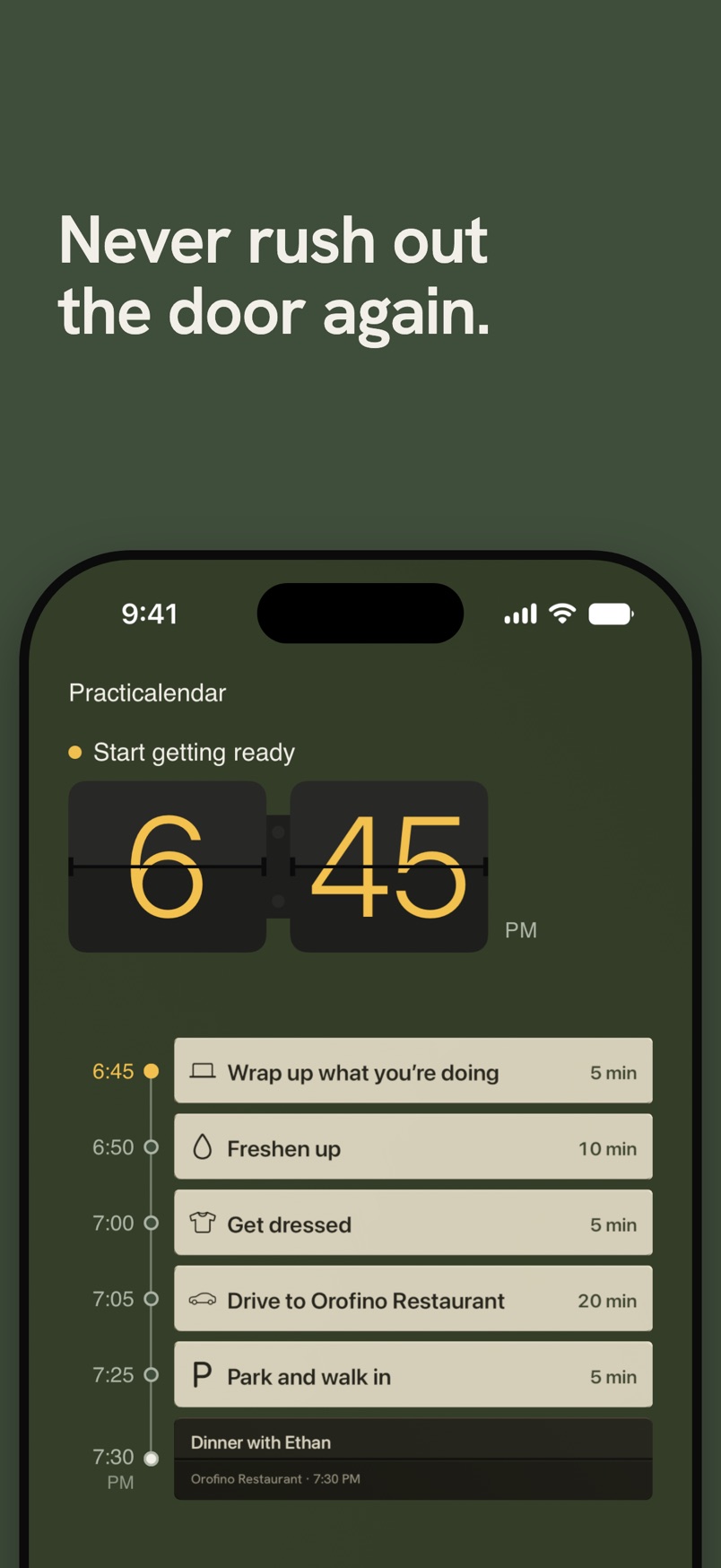
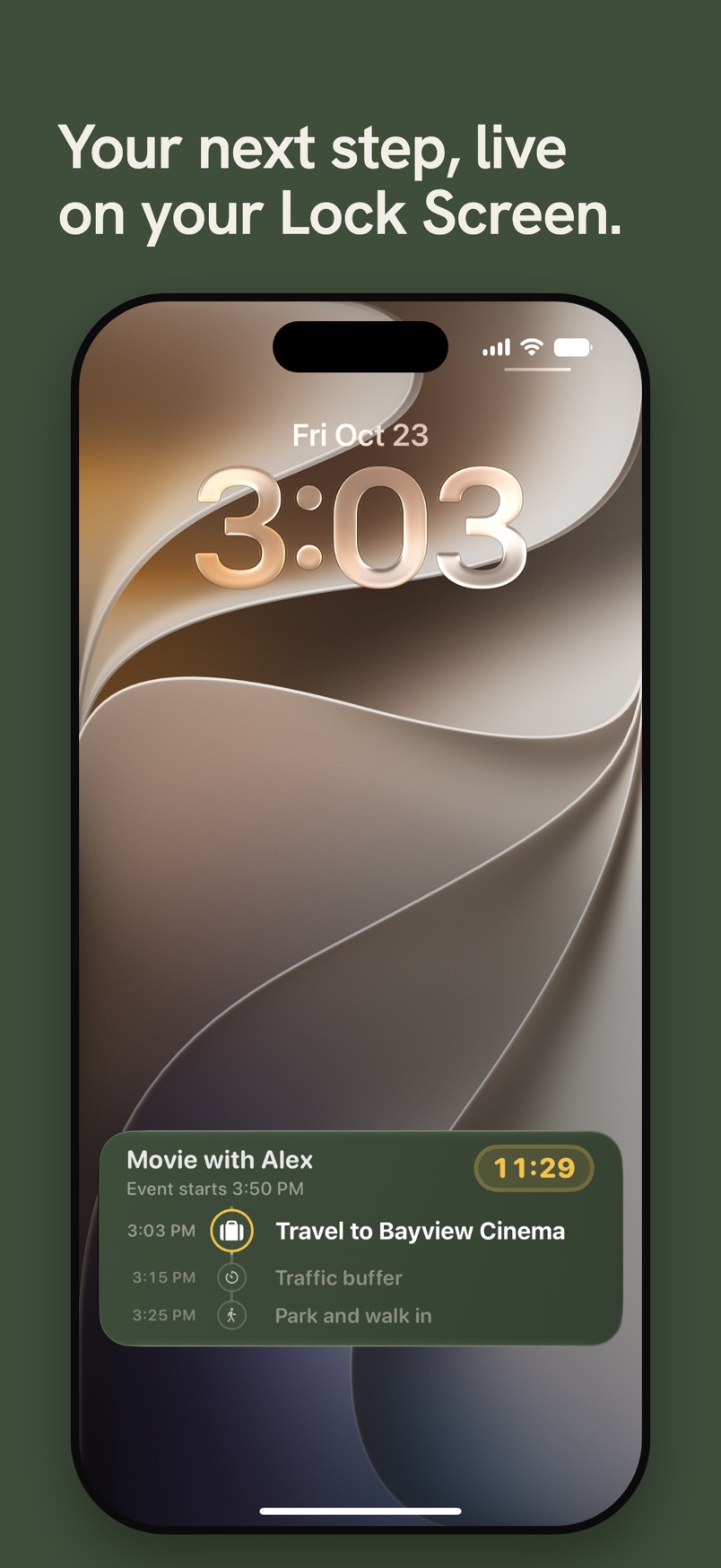
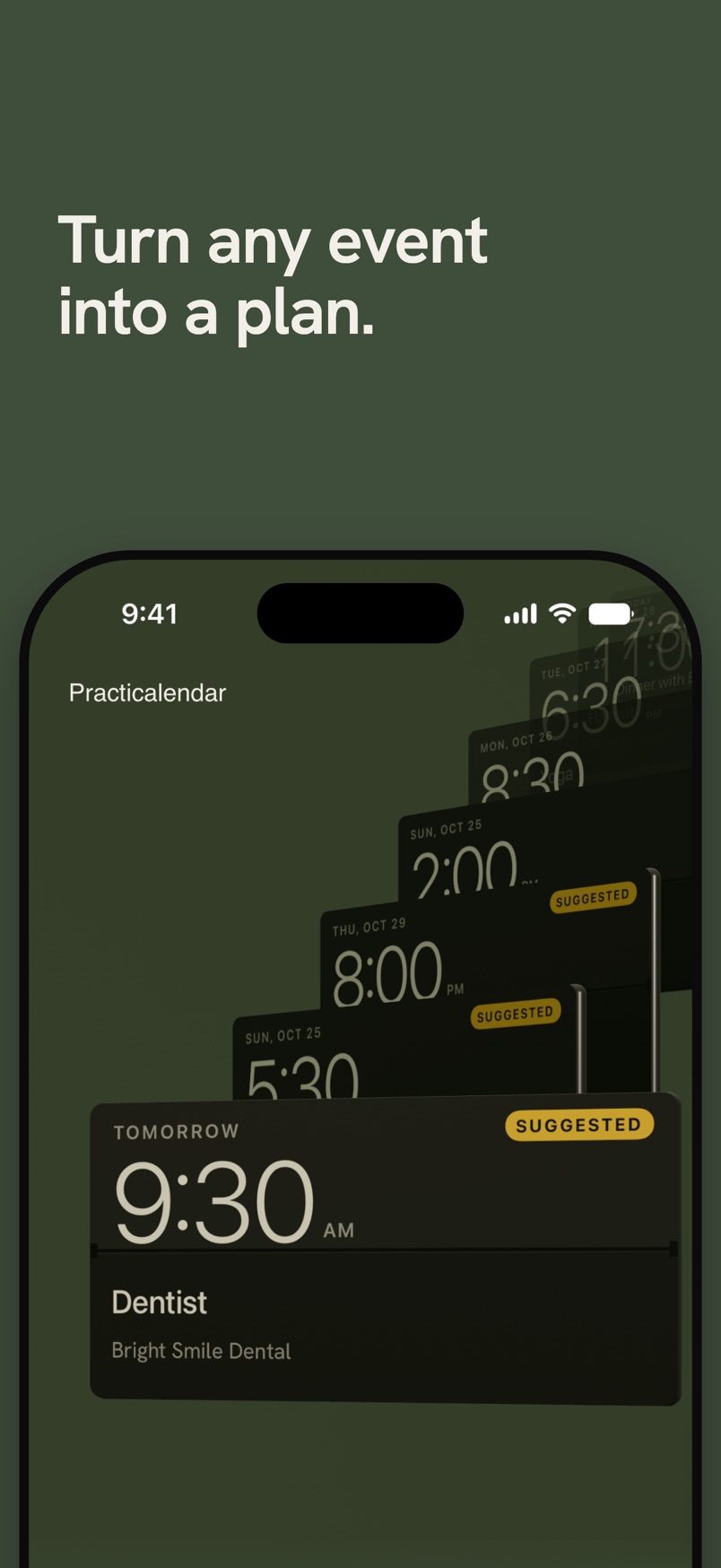
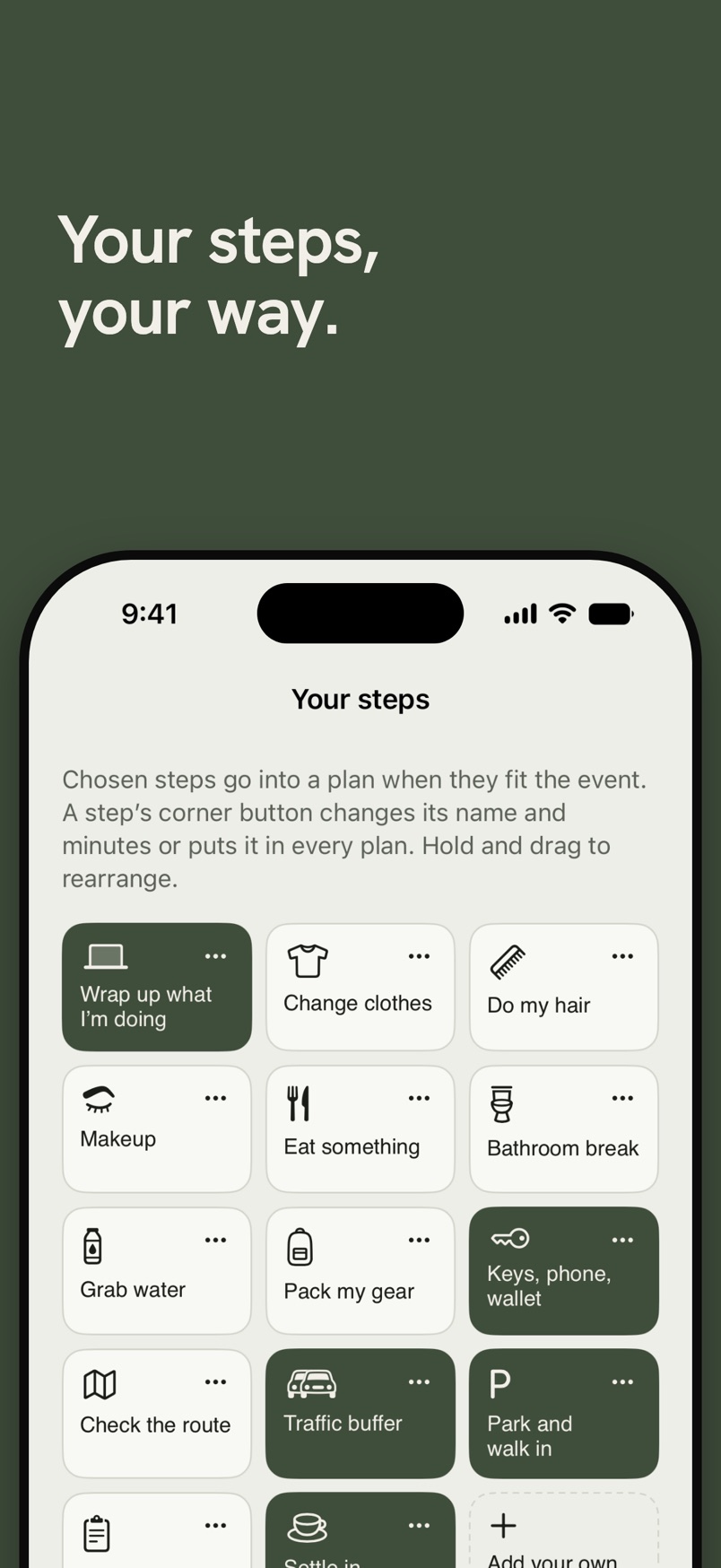
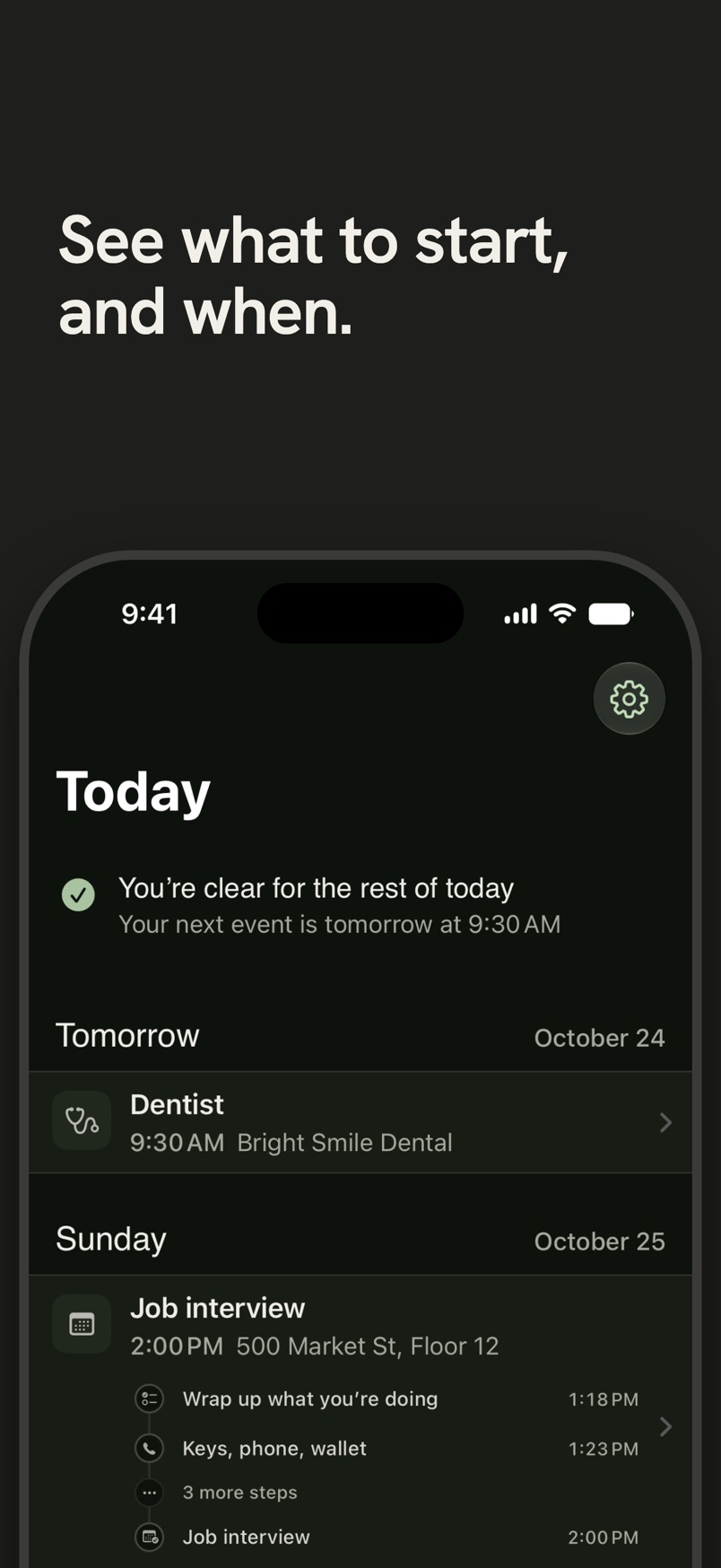
Practicalendar looks at what the event is, where it is, and how long it takes to get there, then drafts your get-ready timeline on your device. Edit anything.
The current step and a live countdown stay with you on the Lock Screen and in the Dynamic Island until you’re out the door.
The step that matters most can be a true alarm, not a silent banner you swipe away.
Plans work backward from when you need to arrive, not forward from when you panic.
Boarding, security, gate time, and a check-in reminder 24 hours out. Be at the gate for boarding, not takeoff.
Chosen steps go into a plan when they fit the event. Rename a step, change its minutes, or put it in every plan.
Plans are made on your device. No account or ads. Usage stats never include your events and can be turned off; plan details are shared only if you choose.
Built for anyone who’s ever been “leaving in 5 minutes” for 45 minutes.
If time blindness is your daily fight, this was built for you.
Email hello@robothand.dev
Write with questions, problems or ideas. Privacy questions and data deletion requests go to the same address; the privacy policy has the details.
In the app, Settings → Send Feedback starts the email with your app version, iOS version and device model filled in.